
Station intelligence
Seethestationdetailsthatmatterbeforeyouarrive
Connector compatibility, power level, and nearby amenities shape whether a charging stop is useful. Watt Map keeps those details visible.
Connector
Compatibility first
Spot CCS2, Type 2, and mixed-site relevance quickly.
Power
Charge speed
Know whether a stop is fast charging or destination charging.
Amenities
Stop quality
Assess convenience without switching platforms.
Charging environment
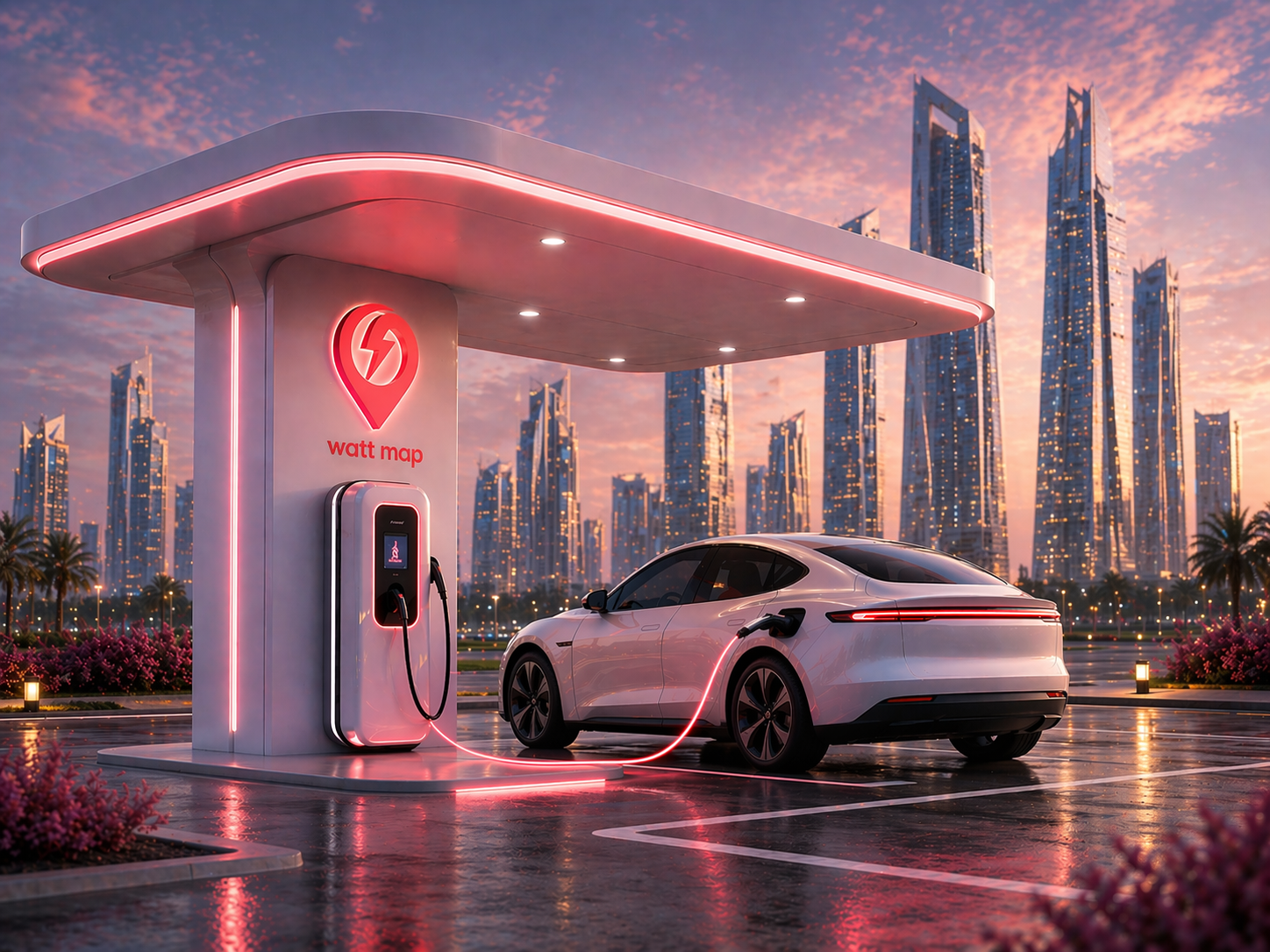
Station detail becomes clearer when it is tied to a real charging scene
The station-data page now uses this image to connect connector, power, and amenity detail to a more physical charging-stop context.
- Show the Watt Map brand in a station setting
- Make connector and power detail feel less abstract
- Keep the page focused on the before-you-arrive charging decision
Why this data matters
Station detail reduces wasted trips, better supports long-distance planning, and creates clearer operator visibility.
How Watt Map organizes station data
Each page pairs machine-readable details with human-readable short answers, FAQs, and internal links.
FAQ
Frequently asked questions
What station attributes are shown?
Connector types, power levels, amenities, and location context are core parts of the page.
Is station data useful for operators too?
Yes. Clearer station data improves discovery, customer confidence, and commercial visibility.